Just Released: Clearinghouse, Drug Testing & DQ File Tools
Track Clearinghouse queries end to end, generate branded drug test and road test certificates, and keep every driver file current automatically.

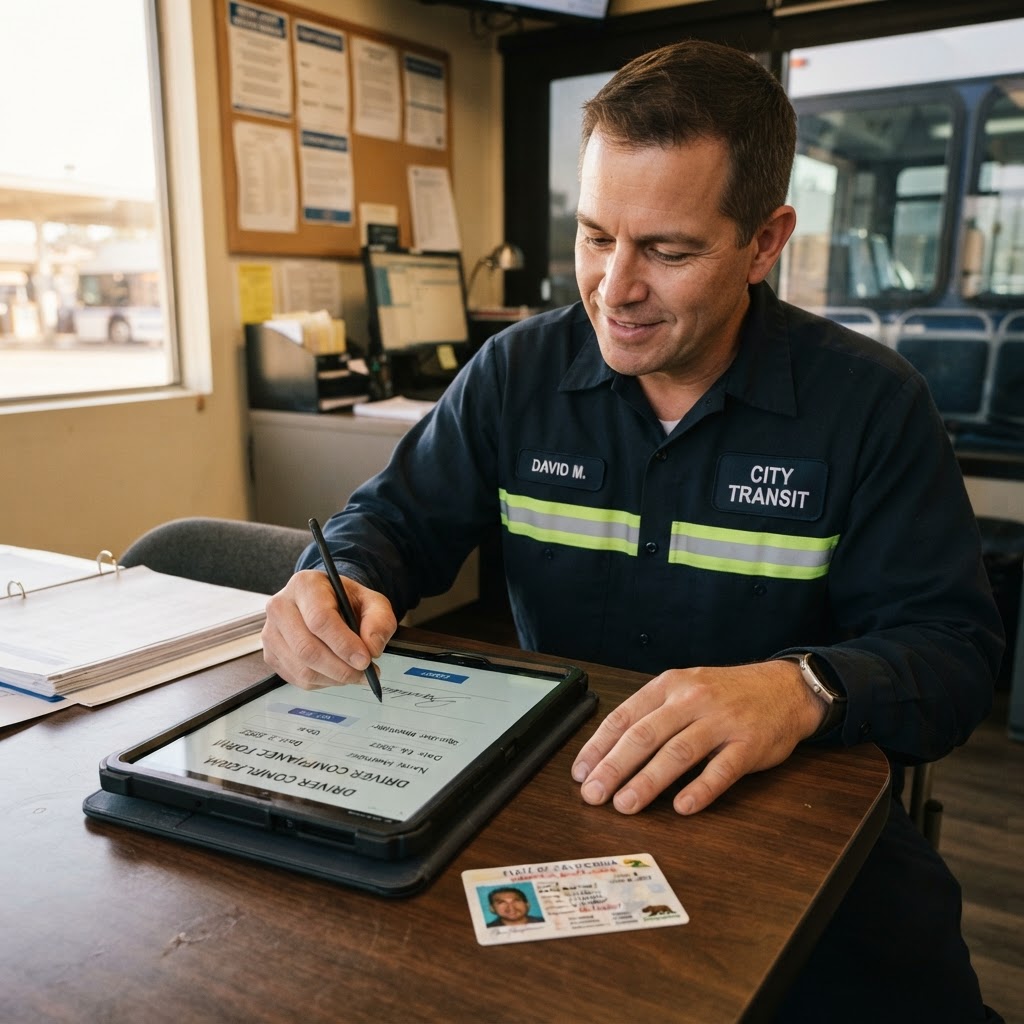
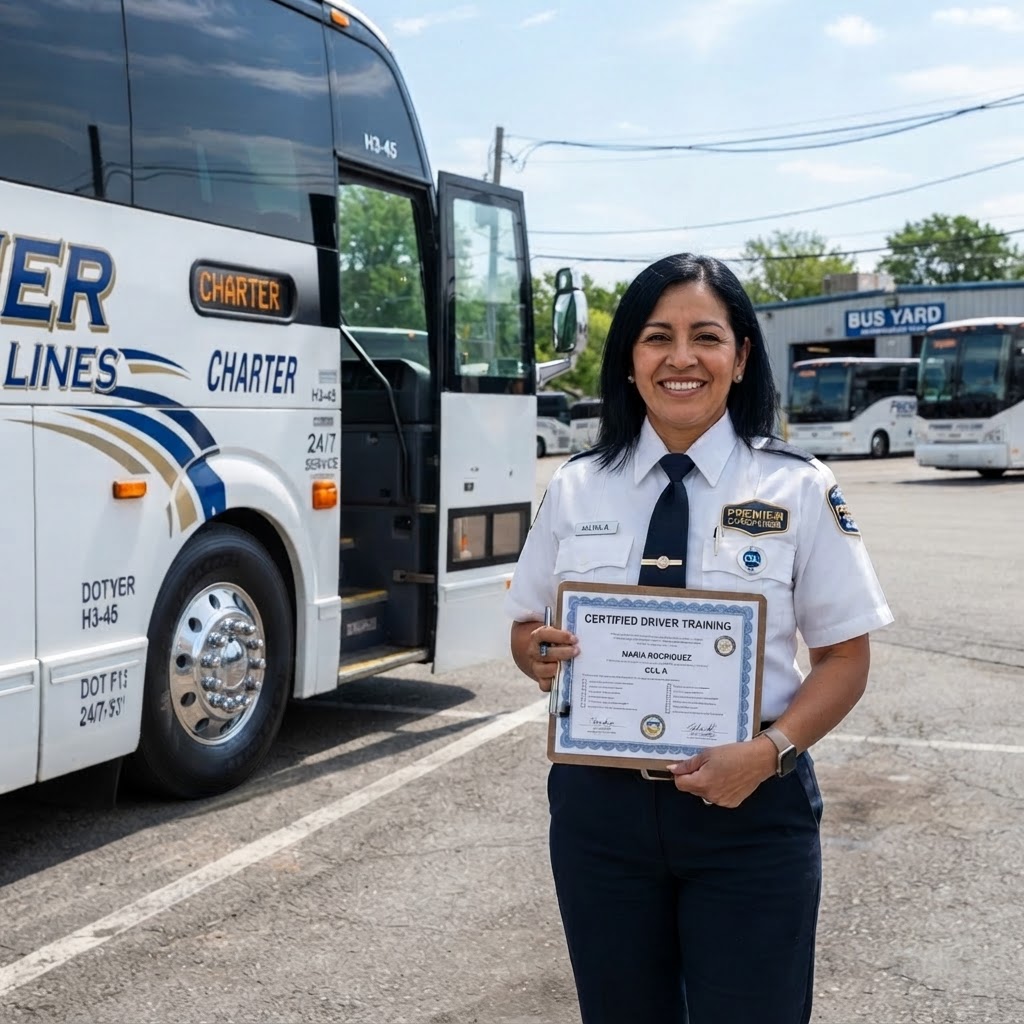
Clearinghouse Query Tracking
A new Clearinghouse tab in Driver Files tracks every query from request to result.
- Drivers in a bulk query download are added automatically as Pending.
- Mark each driver Not Prohibited or Prohibited from driving with the result date.
- Not Prohibited creates a branded Clearinghouse Query Certificate in the driver file, valid for one year.
- The expiration flows to the Driver File Recap and turns the driver green on the compliance dashboard.
Clearinghouse Bulk Query Spreadsheet
Build the FMCSA bulk query Excel file from your driver list in seconds.
- Pick drivers, choose the query type, and download a ready-to-upload spreadsheet.
- Two-letter state codes are enforced and missing fields are flagged before download.
- A built-in Clearinghouse guide walks you through login, registration and driver consent.
Branded Drug Test Result PDFs
Every drug test upload becomes a branded PDF with a cover page, result summary and verification certificate.
- Pre-employment tests can be managed right from the driver qualification file menu.
- Results show on the Driver File Recap with green and red indicators.
Smarter AI Driver Data
Date of birth and medical examiner details are read from CDLs, medical cards and MVRs automatically.
- CDL uploads capture front and back separately, and sideways photos are rotated automatically.
- Medical cards are converted to branded PDFs on save.
- Medical data mismatches between the MVR and medical card can be flagged for review.
Improved Driver File Recap
Sticky headers, frozen columns and full dates make the recap easier to scan and print.
- Clearinghouse due dates use the certificate expiration when available.
Just Released: Branded Driver Files & DQ Certifications
Every driver file is now a uniform branded PDF, with MVR recaps, manual registry verification and e-signed annual certifications.
Driver Insurance Tracking
Send drivers to your insurance agent and track every driver's coverage status from the new Insurance tab in Driver Files.
- "Send to Insurance" emails the agent a branded request with the driver's CDL attached and their years of experience.
- Every driver shows Not Added, Pending or Added. Sending a request sets the driver to Pending automatically.
- Mark a driver Added with the date they were added to the policy, plus the policy number and notes.
- A detail window shows the full request and status history for each driver.
- Search, filter by status, pagination, and PDF or Excel insurance recap downloads.
MVR Recap Summary Page
Every uploaded MVR gets a branded recap page at the front of its PDF with a full summary of the record.
- Green "Clear Record" banner, or red with the count of violations, accidents and suspensions.
- Current license number, state, class, status, and issue and expiration dates.
- Endorsements, restrictions and medical self-certification type.
- Each violation listed with dates, offense, location and points, plus accidents and suspensions.
- Your company logo on the letterhead and footer.
Annual Certification of Violations (E-Sign)
Request the driver's annual certification of violations right from the document request screen.
- Form built from the 49 CFR 391.27 wording, with the driver's name and license prefilled.
- The driver gets an email with a "Complete Certification" button to list violations and sign.
- The signed PDF is saved automatically to the driver's qualification file for review.
Multiple Driver Form Requests (E-Sign)
Request the multiple employer driver statement from another carrier your driver also works for.
- Start it from the Actions menu on Driver Files or on any driver's qualification file.
- Pick the driver, then enter the other company's name, representative and email.
- The representative gets an email explaining 49 CFR 391.65 and 395.8(j)(2), with a link to the FMCSA guideline.
- They complete every required field, including hours on duty for the last 7 days, and sign online.
- The signed PDF is saved to the driver's file and emailed to you and the representative.
Manual National Registry Verification
Verify a medical examiner yourself when the automatic check can't confirm them.
- Direct link to the FMCSA National Registry search.
- Saves on its own, updates the verification status and regenerates the branded report.
- Verified examiner details are copied onto medical cards where the examiner name was unreadable.
Uniform Branded Driver File PDFs
Photos and scanned documents are converted into clean, branded PDFs with the extracted details.
- Company letterhead, a document details page and the original images on every report.
- CDL front and back combined on a single page.
- MVRs that include medical card info get a dedicated Medical Certificate Information page.
- All dates shown as "October 5, 2026" across every generated PDF.
- Sensitive files are stored privately and opened through secure links.
Automatic Non-Compliant Flags
Drivers missing or carrying expired required documents are flagged Non-Compliant in the driver list.
- Checks the application, CDL, medical card, MVR and Clearinghouse query.
Just Released: Compliance, Tracking & Exports
Automatic medical registry checks, smarter driver files, more reliable live tracking, vehicle exports, card fees and meeting RSVPs.
Automatic Medical Examiner Registry Checks
When a medical card or MVR is uploaded, the examiner's registry number is looked up on the FMCSA National Registry automatically.
- AI reads the examiner name, registry number and dates from medical cards and MVRs.
- A National Registry Verification record is created automatically in the driver file.
- Re-run any registry check with one click from the driver documents list.
- Results show in the Driver File Recap, the recap PDF and the compliance dashboard, where unverified checks are flagged for review.
Smarter Driver Files & Recap PDF
Driver profiles stay accurate and the Driver File Recap PDF now has a clean, professional look.
- Expiration dates always come from the newest active document, so old files no longer cause wrong dates.
- Fields picked up by AI fill in the driver file and onboarding checklist automatically, and the document is marked verified.
- The recap PDF uses plain, print-friendly styling.
More Reliable Live Driver Tracking
Driver apps keep the screen awake and get GPS back quickly when drivers return to the app.
- The screen stays on while the driver app is open.
- GPS restarts as soon as the app comes back into view.
- Dispatch and shuttle maps show a "Paused" badge when a driver has not reported a location for over 3 minutes.
Vehicle Listing Export
Export your fleet to PDF or Excel, choosing exactly which fields to include, just like the driver listing export.
Credit Card Processing Fees
Add a card fee to quotes as a dollar amount or a percentage, and choose to pass it to the customer or absorb it.
- The fee carries through to invoices, the customer portal, PDFs and QuickBooks exports.
Meeting RSVPs
Invitees can confirm or decline right from the invitation email, and you see each person's reply on the meeting.
Previously Released
Our newest updates: a full Farm-out Partner Portal with payment tracking, faster bank-transfer payments, and optional extras on every reservation.


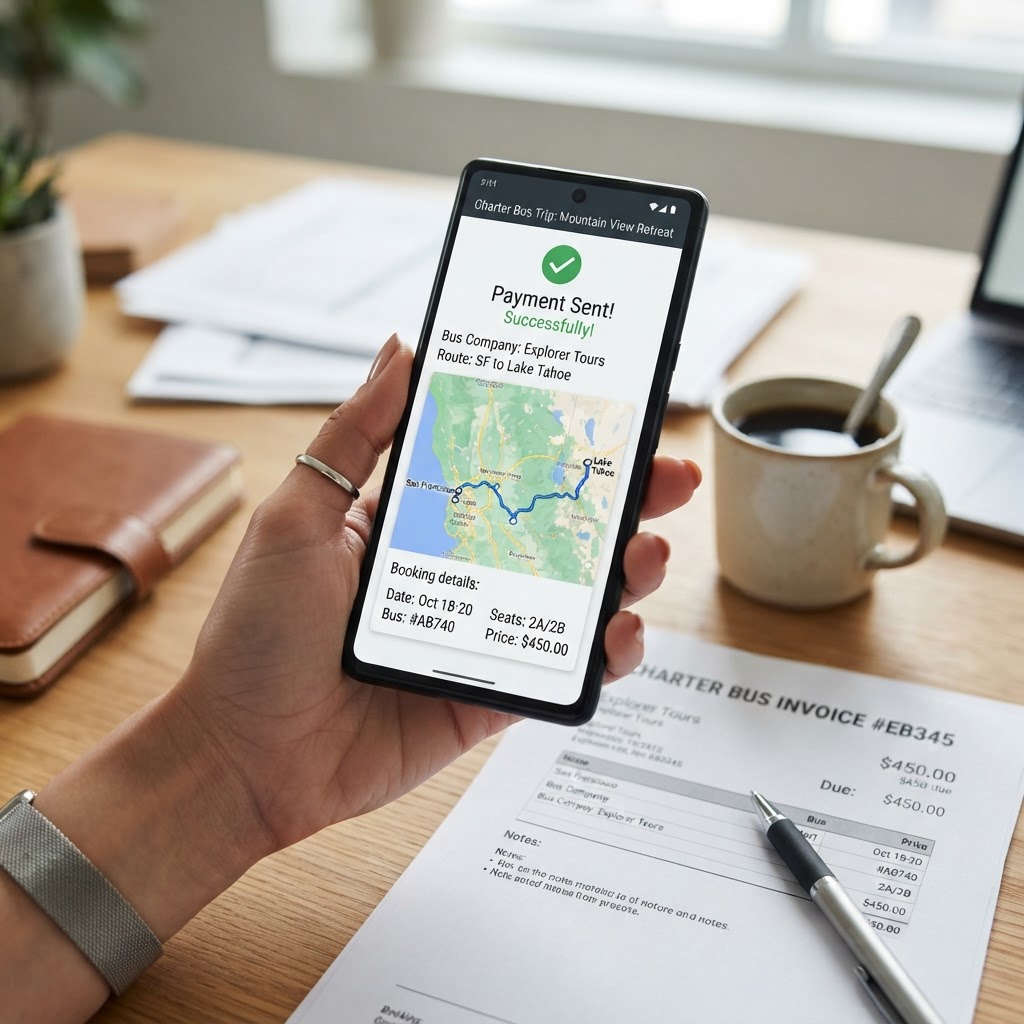
Farm-out Partner Portal
Partners now get a complete portal to receive, accept and run your farm-out work, upload invoices and track what they are owed. Less back-and-forth, faster coverage.
- Send trip requests with the number of buses and price per bus. Bus counts are checked against the reservation.
- Partners review the full itinerary, stop times, notes and a route map, then accept or decline in one click.
- Partners assign a driver and bus for every requested vehicle, and the details flow straight back to your reservation.
- Trip sheets and invoice PDFs can be downloaded right from the portal.
- Partners upload invoices and keep their COI, W-9, roster and company profile up to date themselves.
- Each trip shows the total, the amount paid and the outstanding balance, along with the full payment history.
- Admins record payments with the date, method and confirmation or check number. The partner automatically gets a branded "payment sent" email.
Wire / ACH Payment Instructions
Save your bank details once and send customers professional wire and ACH payment instructions straight from any reservation. No more retyping account numbers into emails.
- Add your bank name, bank address, account name, routing number and account number in Settings. You only enter them once.
- Pick "Send Wire / ACH Instructions" from the actions menu on any reservation to email the customer a branded message with your banking details.
- The email includes the reservation number, so customers can put the right reference on their transfer and you can match payments quickly.
- Works well for schools, government agencies and corporate accounts that pay by bank transfer instead of card, and saves on card processing fees.
Farm-Out Partner Driver & Bus Rosters
Farm-out partner companies now keep their own roster of drivers and buses through a secure portal link, so you always know exactly who and what is running your work.
- Each partner company gets a private, secure roster portal link. They do not need an account or password.
- Partners can add, edit and remove their drivers (name and cell number) and their buses (unit number plus notes such as capacity or vehicle type) whenever they like.
- In the portal, partners see only their upcoming assignments. They can assign a driver and bus to each farmed-out reservation or shuttle route.
- Shuttle work is grouped by route, with one driver and one bus assigned per route each day. Multi-bus reservations get a separate driver and bus slot for each vehicle.
- Roster entries appear as dropdowns in your own farm-out screens, trip sheets and driver-assignment views. You can still type in a driver or bus manually if one is not on the roster.
- Farm-out sheet emails include the partner's portal link, and you can preview each partner's sheet before sending it to the companies you choose.
- Admins can view and edit any partner's roster from Farm Out Management at any time.
Reservation Upsell Services
Earn more on every booking by offering optional extras like Wi-Fi, bottled water, snacks or a trip coordinator. Customers add them while signing, and admins can add them to any reservation.
- Build your own catalog of upsell services in Settings, each with a name and a price per vehicle. Turn items on or off whenever you like.
- Choose which services to offer on each quote, so customers only see the extras that fit the trip.
- Customers pick their add-ons during online signing, and the total updates right away based on the number of vehicles.
- Admins can add or remove upsell items on any reservation, for example when a customer calls in a request.
- Selected upsells flow into the quote total, the auto-generated invoice and QuickBooks, so nothing is missed at billing time.
- You get a notification whenever a customer adds an upsell, so you can have the items ready on the bus.
Video Meetings — Built Right Into CharterQuote Pro
Zoom-style video calls with your drivers, staff, technicians and customers, without leaving the app. Every call can end with an AI summary in everyone's inbox.

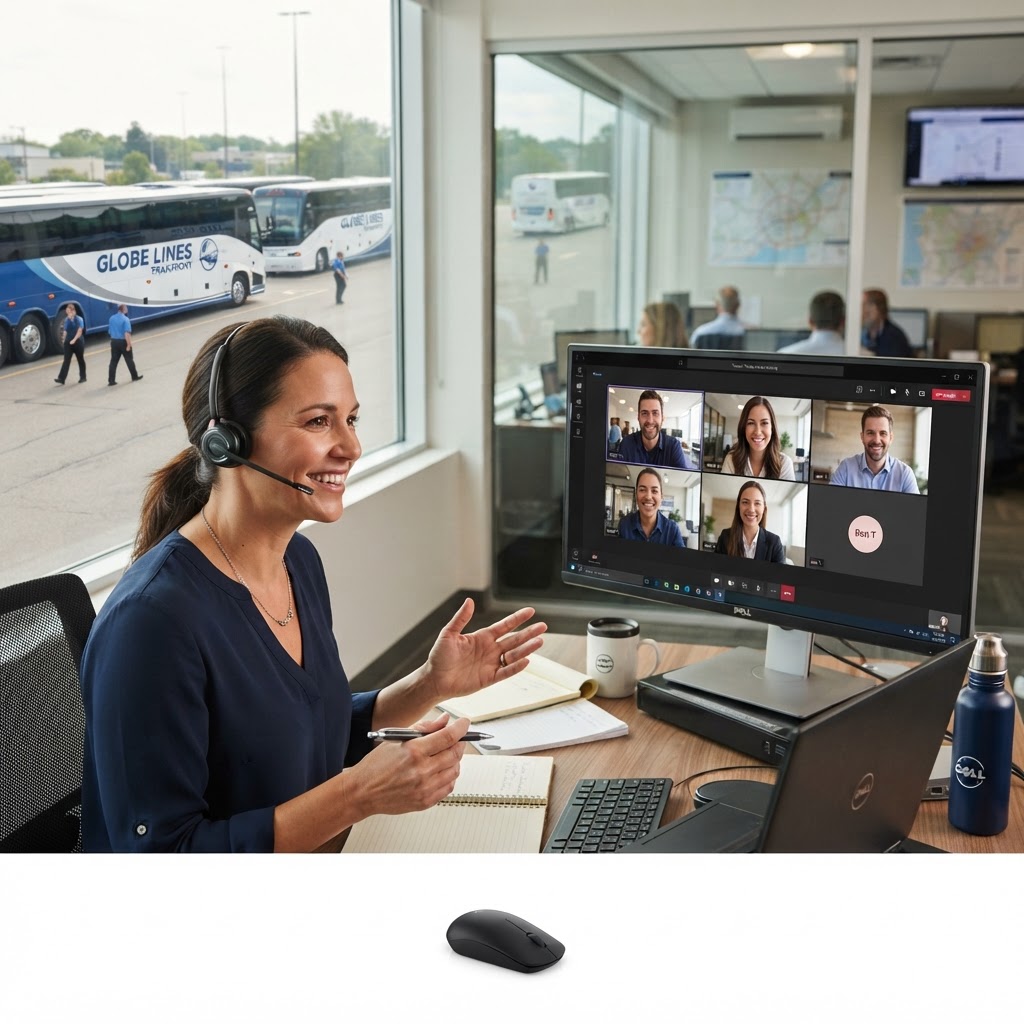
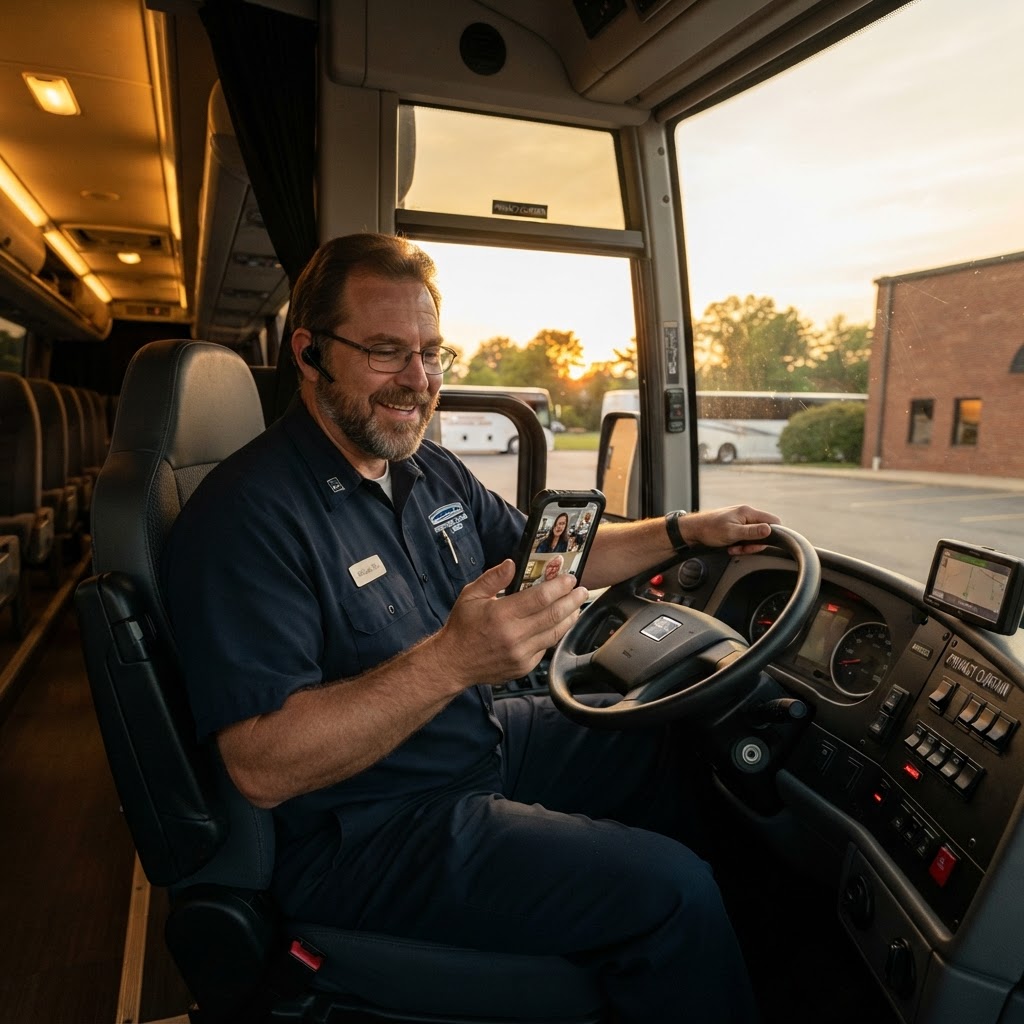
Live Video & Voice Calls
Start a meeting in one click from any reservation or from Tools → Meetings. Up to 12 people can join on camera or by voice alone.
- HD video tiles with active-speaker highlighting, mute and camera controls, and a speaker or gallery view.
- Share your screen to walk through a quote, itinerary, invoice or trip sheet together.
- Built-in meeting chat with file sharing, a participants list, raise-hand and reactions.
- Hosts can lock the meeting, admit guests from the waiting room, and mute or remove participants.
- Works in the browser on desktop, tablet and phone. Nobody needs to install anything.
Invite Anyone by Email or Text
Invite drivers, office staff, maintenance technicians, customers or outside guests, and they get a join link by email, SMS, or both.
- One-click buttons to invite All Drivers, All Staff, All Technicians or Everyone, plus a search box for large teams.
- Meetings started from a reservation pre-select the assigned drivers and customer contacts automatically.
- Each meeting has a short meeting ID and a shareable link, so guests can join without an account.
- Drivers see their meetings in the Driver Portal and customers see theirs in the Customer Portal.
AI Meeting Summaries
Turn on the AI summary and CharterQuote Pro listens to the call, then emails everyone a clean recap organized by each topic that was discussed.
- The recap starts with an overview, then summarizes each discussion in the order it happened, with details like dates, reservation numbers and vehicles.
- Decisions and action items are pulled out automatically, with the person responsible when a name was mentioned.
- You can also include the full word-for-word transcript in the email, attached as a text file.
- Everyone on the call sees an "AI Transcript" indicator, and hosts can switch it on or off at any point.
- The summary and full transcript stay available in the meetings table to view, copy, download or regenerate.
Recordings & Meeting History
Record any call and keep a searchable history of every meeting tied to the reservation it was about.
- Recordings save to the meeting so you can play them back or download them later.
- A meetings table with search, status filters and pages shows the date, host, duration and attendance for every call.
- Meetings started from a reservation also appear on that reservation for a complete record of the job.
- Delete old meetings when you no longer need them.
Video in Live Training Sessions
Live training and screen-sharing sessions with the CharterQuote Pro team now include face-to-face video and an optional AI summary.
- Join a training call right from the yellow training banner, with no separate link to find.
- Get an AI recap of everything covered, so your team can refer back to it later.
Maintenance & Fleet Care
A full shop-floor toolkit — tablet kiosks, AI manual research, and predictive scheduling.
Turn Schedule
Every bus coming back from a trip shows up on its own turn card automatically. Each card has the garage return time (drop-off plus the drive back) and the garage leave time for that bus's next trip (pickup minus spot time and drive time, or the manual leave-yard time if one is set). Assign a technician and they get text reminders an hour before the bus returns and an hour before it leaves. Techs can log where the bus is parked or pin its GPS spot, and move it through Returned, Cleaning and Ready. Turns sync every 15 minutes and link to the Turn-Inspection Kiosk.
Maintenance Kiosk
A shared, password-protected tablet station where technicians open work orders, log labor, parts and fluids, and attach photos without a personal login.
Turn-Inspection Kiosk
Drivers and yard staff complete turn inspections on a shared iPad. Failed items can automatically spin up a work order.
Knowledge Center AI
Ask a maintenance question and get a cited diagnostic report drawn from your own manuals, parts catalogs and schematics — including deep-page search across multi-thousand-page books.
Predictive AI Calendar
Forecasts upcoming service by mileage, fault history and inspection findings, then lays it out on a calendar you can act on.
Fault Code Center
Live engine fault codes from your telematics provider, grouped by vehicle with severity, occurrence counts and one-click work orders.
Vehicle Cost Analysis
Per-vehicle maintenance spend broken down by labor, parts and fluids so you can see which units are costing you money.
Inspection Analytics
Trends across driver DVIRs and turn inspections — repeat defects, pass rates, and which vehicles keep failing.
Reservations & Dispatch
From one-off charters to season-long shuttle contracts, with the paperwork handled.
Shuttle Programs
Manage multi-day, multi-route shuttle contracts with daily shifts, driver and vehicle assignments, farm-outs, hour summaries and consolidated invoicing.
Recurring Reservations
Build a schedule once and let the system generate each occurrence, with exceptions for the dates you skip.
Customer Itinerary Review
Customers confirm their final itinerary by email before the trip, and changes route back to you for approval.
Modification Requests
A single queue for customer-requested trip changes, with admin approval and an audit trail.
Farm-Out Management
Send work to partner carriers with trip sheets, COI requests and safety-rating review built into the flow.
Drivers & Payroll
Hiring, hours, and pay — all tracked in one place.
Driver Applications
A public CDL application form feeding a review pipeline, with a clean printable application packet and one-click conversion to a driver record.
Driver Earnings & Exports
Settings-driven pay rules (daily, hourly, per-trip minimums, per diem, percentage) flow into earnings analytics with CSV and PDF exports.
HOS Compliance
Hours-of-service logs, violation review workflows and a daily summary email so nothing slips past you.
Onboarding & Training
Guided new-driver onboarding plus training modules, certificates and qualification-file tracking.
Public Time Clock
A shareable clock-in link with optional GPS capture and photo verification — no app install required.
Customers & Communication
Organized accounts and conversations that actually reach people.
Client Accounts
Group contacts under the companies they work for, with billing terms, segments and account-level history.
Customer Portal
Customers review quotes, sign electronically, add optional services, pay online and manage their reservations themselves.
Two-Way Text Chat
Customers reply in a branded web chat and your designated staff get a text — no shared phone number to babysit.
COI Dashboard
Request, receive, verify and bulk-export certificates of insurance from one screen.
Tools & Integrations
The back-office glue: documents, tracking, taxes and accounting.
File Sharing & E-Signature
Folder-based file sharing with permissions, share bundles, file requests and a guided signing experience with certificates.
Live Fleet Tracking
Real-time vehicle positions on a Google map, plus public tracking links you can send to a customer.
IFTA Reporting
Fuel and mileage logs by jurisdiction with driver-submitted fuel review, tax calculation and deadline alerts.
QuickBooks Sync
Push invoices, customers and payments to QuickBooks Online and pull status back automatically each night.
Samsara & Motive
Connect either ELD provider for vehicles, drivers, GPS, HOS, DVIRs, fault codes and IFTA data — with matching previews so nothing duplicates.
Want to see it in action?
We'll walk you through the features that matter most to your operation — live, on your schedule.